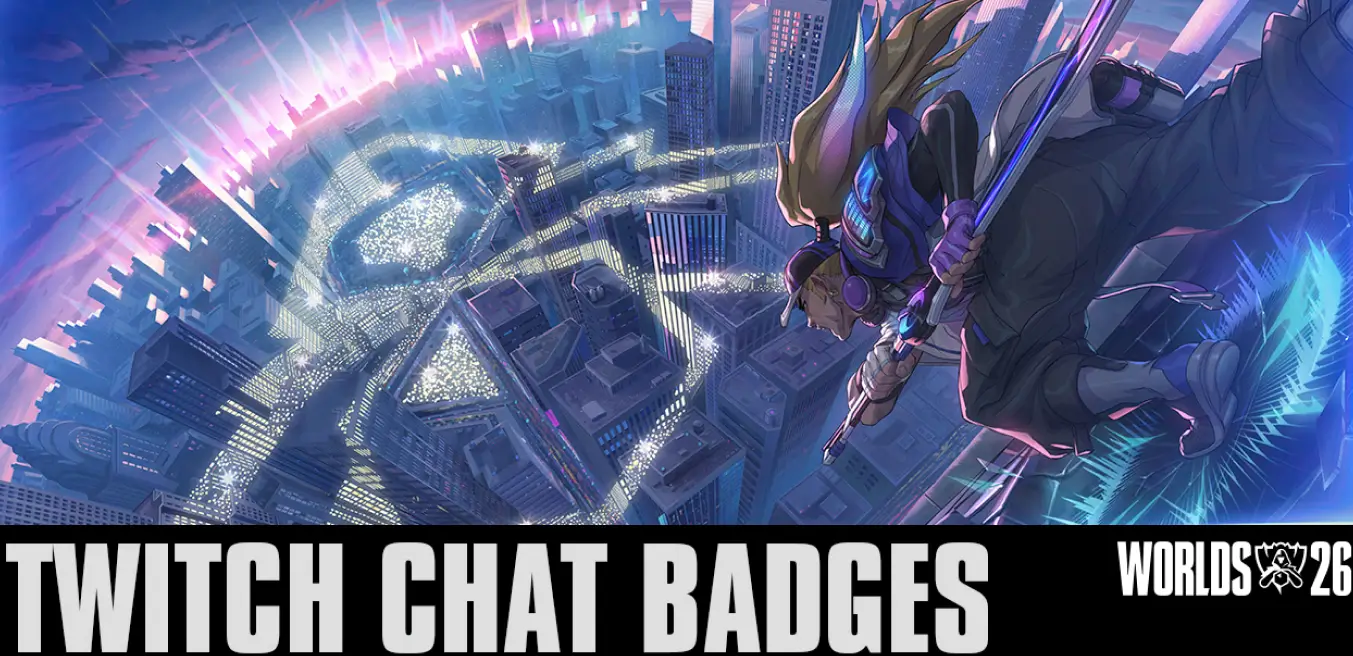
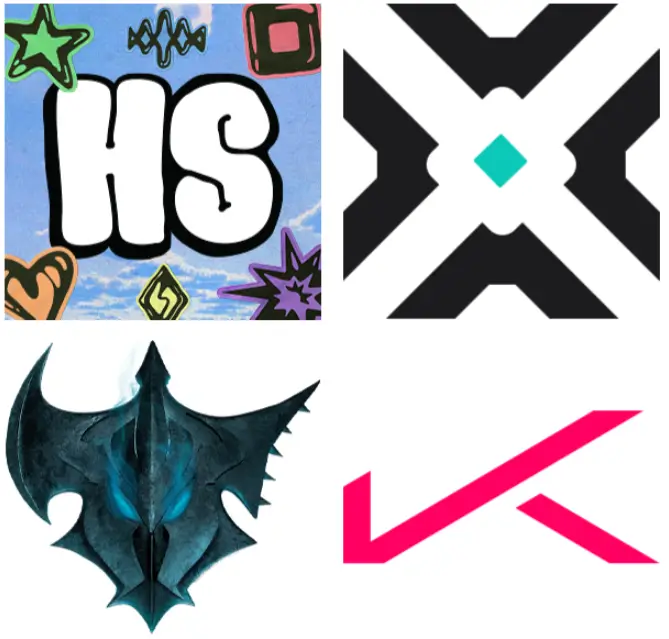
Heartsteel, True Damage, Pentakill and K/DA each have their own global chat badge up for grabs, plus there’s a Worlds Supporter badge and an in-game goodie for anyone willing to part with a sub.
Watch any channel streaming in the League of Legends category for 30 minutes during each band’s window, and the badge is yours. It doesn’t need to be an official broadcast either, so any official co-streamer counts, the Worlds Broadcast or someone trying to get out of Iron at 3am.
Band badge schedule
- Heartsteel: 15 October to 27 October
- True Damage: 28 October to 6 November
- Pentakill: 7 November to 12 November
- K/DA: 13 November to 14 November
Heartsteel has been live since 15 October, so if you’ve had League on in the background at any point this week while watching Worlds, you likely have it. K/DA is the one to watch out for. It’s a two-day window, so you have the least amount of time to claim it.
Worlds 2026 Supporter badge
Grab a new recurring sub or gift sub on the official LoL Esports channels, or on any participating co-streamer or broadcast partner, between 15 October and 14 November, and you’ll get the Worlds 2026 Supporter badge. Prime subs don’t count, so you are going to need to actually throw money at the broadcast.
That same sub also unlocks the first Worlds sub drop, an emote called Flex On Em. You’ll need your Riot account connected to Twitch, so sort that out before you sub rather than after. It’s labelled Part 1 as well, which suggests Riot has more sub drops lined up for later in the event.
Drops only progress on one stream at a time, so opening five League streams in separate tabs won’t speed anything up. Badges claim automatically once you’ve hit the requirement, and you can check your progress on the Drops Inventory page. After that, head into your Twitch chat settings to equip whichever badge you fancy flexing.